Get Started
Quick Start - Web
Log in with a wallet
- Open the login page in your browser: https://sharkbot.app/en/login
- Choose wallet login:
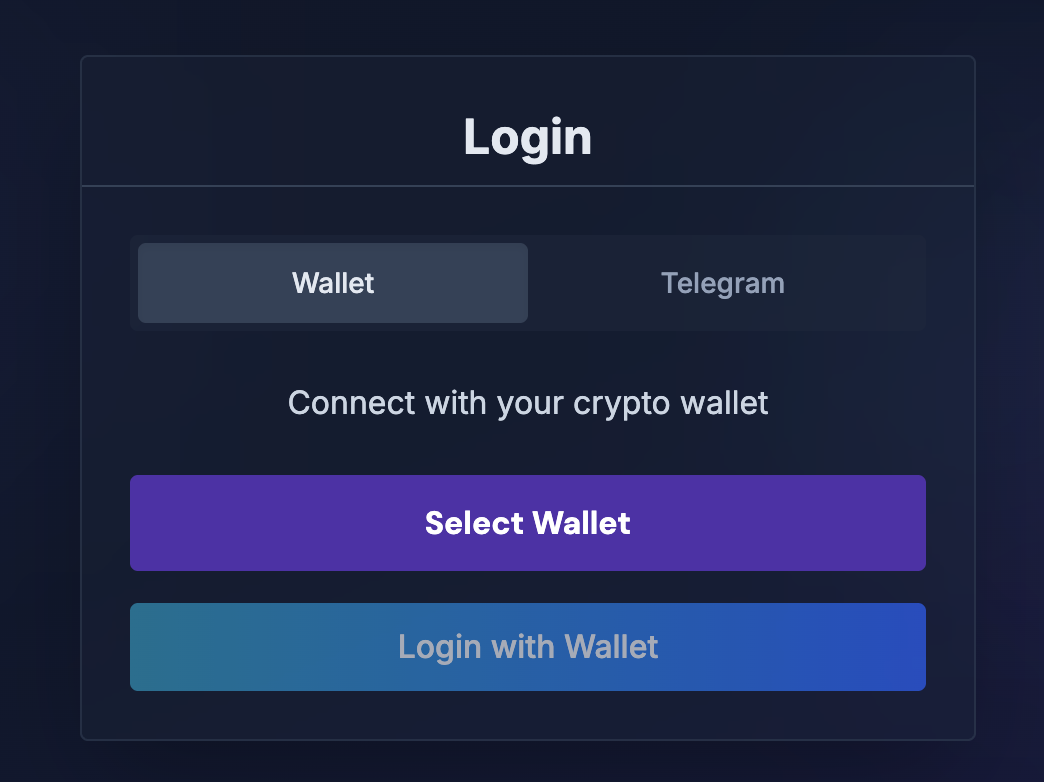
- Click "Connect Wallet" and select your wallet. We support all major wallets on the market.
- Click "Sign in with Wallet." Your wallet extension will open a signature prompt. Confirm the signature. (This signature is only for Sharkbot login text and can only be used for Sharkbot login. You can verify the message in your wallet prompt.)
Log in with Telegram
- Open the login page in your browser: https://sharkbot.app/en/login
- Choose Telegram login:
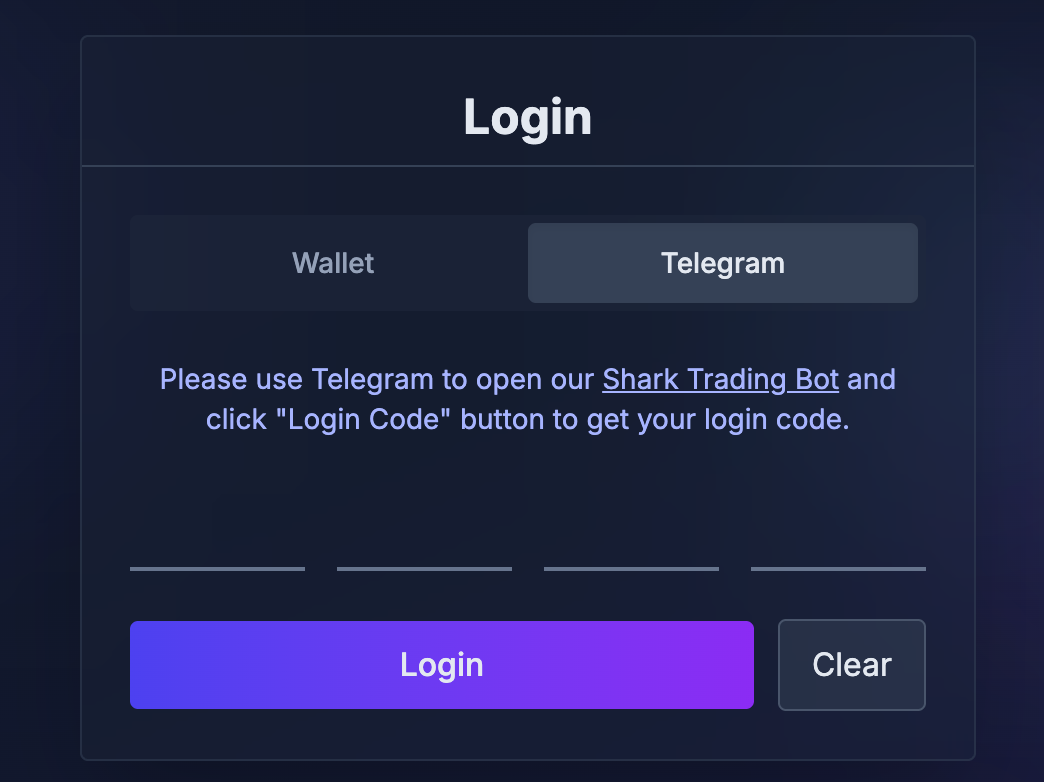
- Click the bot link shown on the page, or search for @shark_001_bot directly in Telegram.
- In the Telegram bot, tap "Website Login Code." The bot will immediately send you a one-time login code. (Tap the code to quickly copy it to your clipboard.)
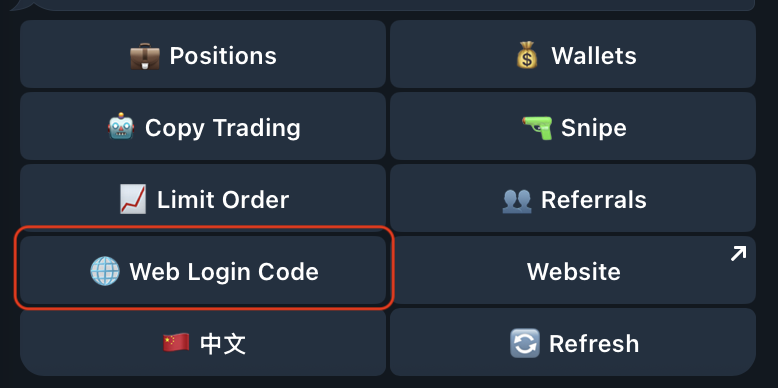
- Enter the login code on the website login page, then click Log in.